Job Manager screen
Using the Job Manager screen, you can configure and create both job categories and job descriptions. If you need to add a new job in the Service software and cannot find an existing job description that fits, you will need to create it through the Job Manager. Each job category contains job descriptions. A single job category can include multiple job descriptions.
Corporate user view
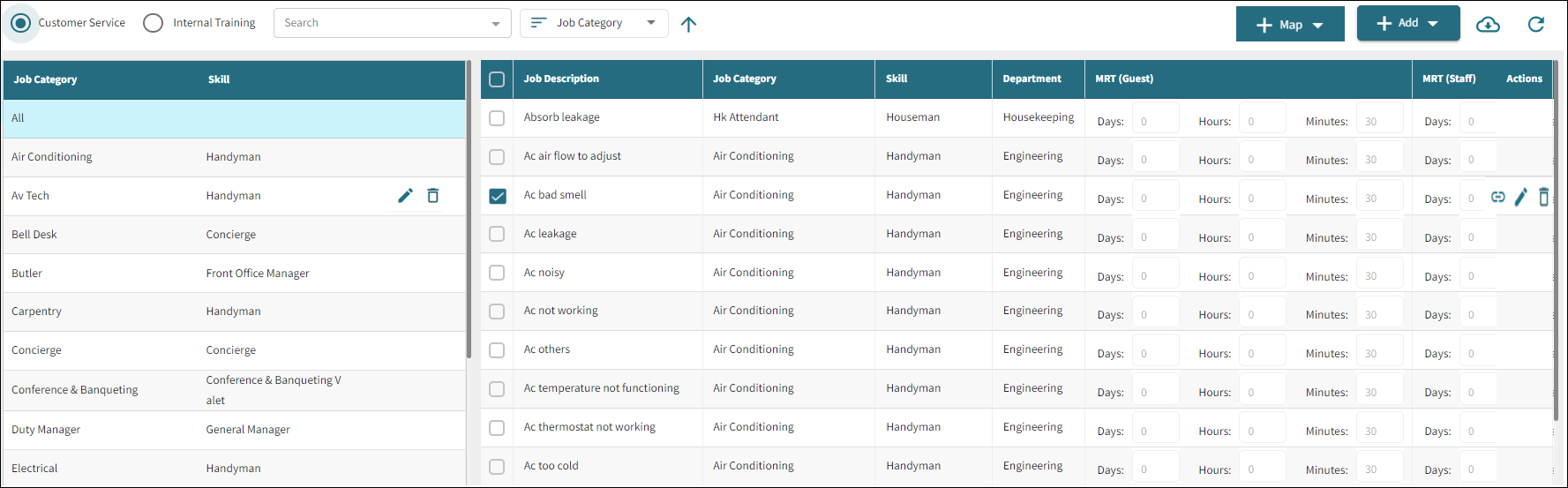
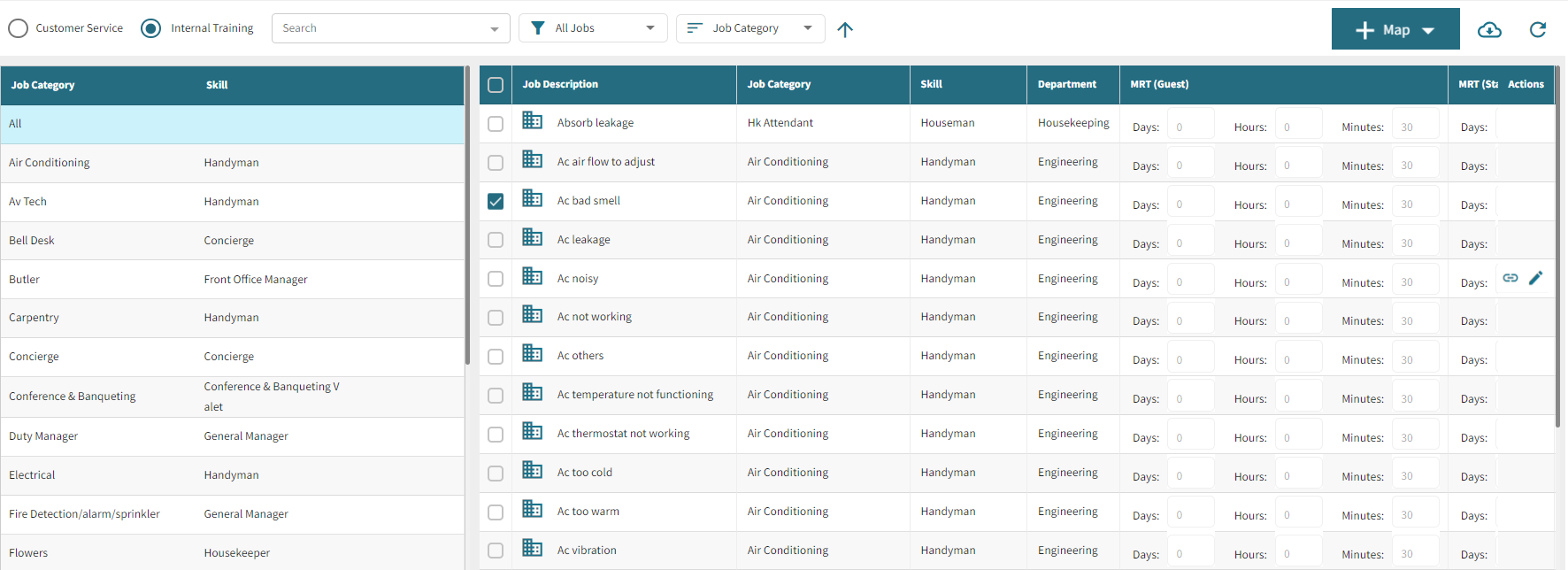
Property user view
Fields on the Job Manager screen
| Field | Description | Notes |
|---|---|---|
| Controls | ||
Select corporate user |
Select the corporate user. | Required. |
|
Select property |
Select the property . |
Required. |

Search |
Select job category, job description, and skill as required. | |
|
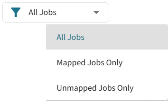
Select the filter to view mapped or unmapped jobs. | |
Sorting |
Sort the screen by job category, job description, and skill as required. | |
 Ascending order Ascending order |
Sort the job category and job description in ascending order. | |
 Descending order Descending order |
Sort the job category and job description in descending order | |
|
|
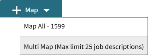
From the Map drop-down list, select Map All to map all descriptions at once or Multi Map to map maximum 25 job descriptions. |
Both corporate and property users can map the job description with the specific properties. |

Add |
Choose the job category and description you want to add. Once added, the job category appears under the job category tab, and the job description will be listed under the job description tab. | Required. Only corporate user can add a job category and job description. |
 Export Export |
Export the Job Manager data in an Excel spreadsheet. | |
 Refresh Refresh |
Reload the Job Manager screen to view the most up-to-date information. | |
| Sections | ||
| Job Category |
The Job Category section displays a list of all added job categories along with their associated skills: Fields include:
|
Only corporate user can edit and delete job category |
| Job Description |
The Job Description section shows the list of all the added descriptions with linked categories and departments. Fields include:
Job Description—List of all the added job descriptions. Job Category—List of all the added job categories. Skill —List of all job description along with the skills. Department—List of all added job categories along with their departments. MRT (Guest)—Maximum time to respond for guest. MRT (Staff)—Maximum time to respond for staff. Actions—For each description, available actions include:
|
Corporate users can edit and delete job descriptions, while property users can only edit the job description.
|

 )—Edit a job category.
 )—Delete a job category from the list.
 )—Map a property to adjust or correct job description.