Viewing and opening hidden tabs
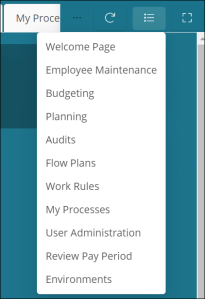
Once open tabs reach the horizontal limit on the home screen, additional open tabs are moved to a drop-down menu. The number indicates how many additional, open tabs are in the drop-down menu.
To view and open hidden tabs:
-
Select the hidden tab arrow (
 ).
).
The resulting drop-down list displays all open screens that do not fit horizontally on the tab row. -
From the drop-down list, select the tab to open.