View/Add Comments pane
The View/Add Comments pane opens when you right-click a task row in the Console screen and select View/Add Comments.
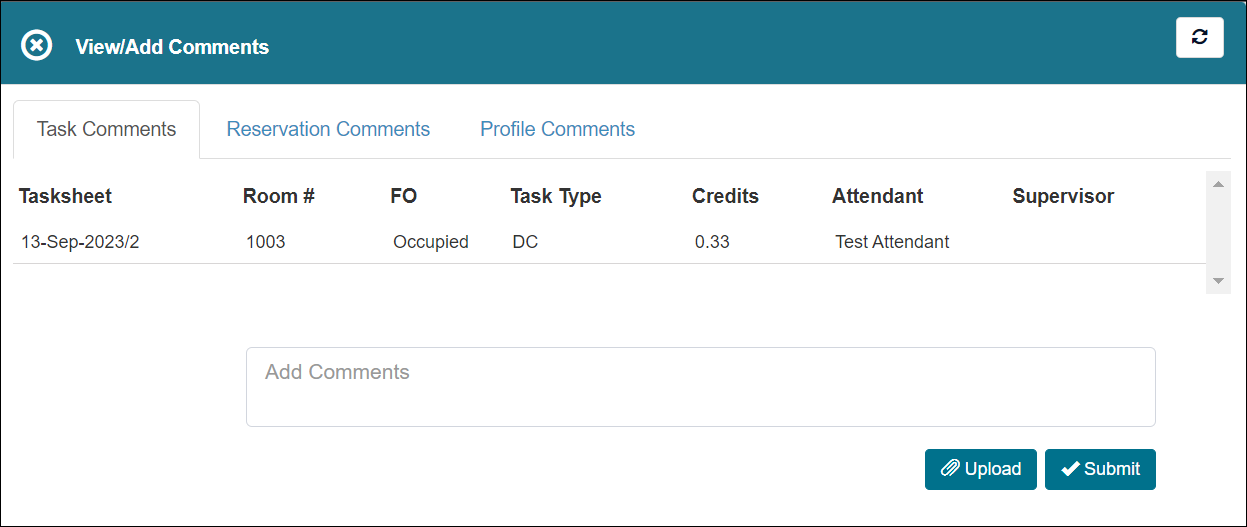
Fields on the View/Add Comments pane
| Field | Description | Notes |
|---|---|---|
|
Refresh |
Refreshes the pane. |
|
|
Task Comments |
Information about the task.
|
Read-only. |
|
Add Comments |
Enter your comment in this field |
|
|
Upload |
Upload a file. |
|
|
Submit |
Submit your changes. |